Two years ago I wrote about an epaper picture frame. The picture quality was surprisingly good for only 16 greyscale colors, but feeding it with images from the internet meant working around three obstacles: no encryption, no authentication and a custom image format. I ended up writing my own server in Rust (framelabs-s3-server) and promised a separate post about the software. That post never happened.
So consider this the follow-up, just with a different frame.
The new frame
This summer I got myself a Seeed reTerminal E1004. It has a 1200×1600 e-paper panel, and this time it is a Spectra 6 panel, so it shows actual colors. Six of them, to be precise: black, white, yellow, red, blue and green. Like the old frame, it runs on battery and only wakes up to change the picture.
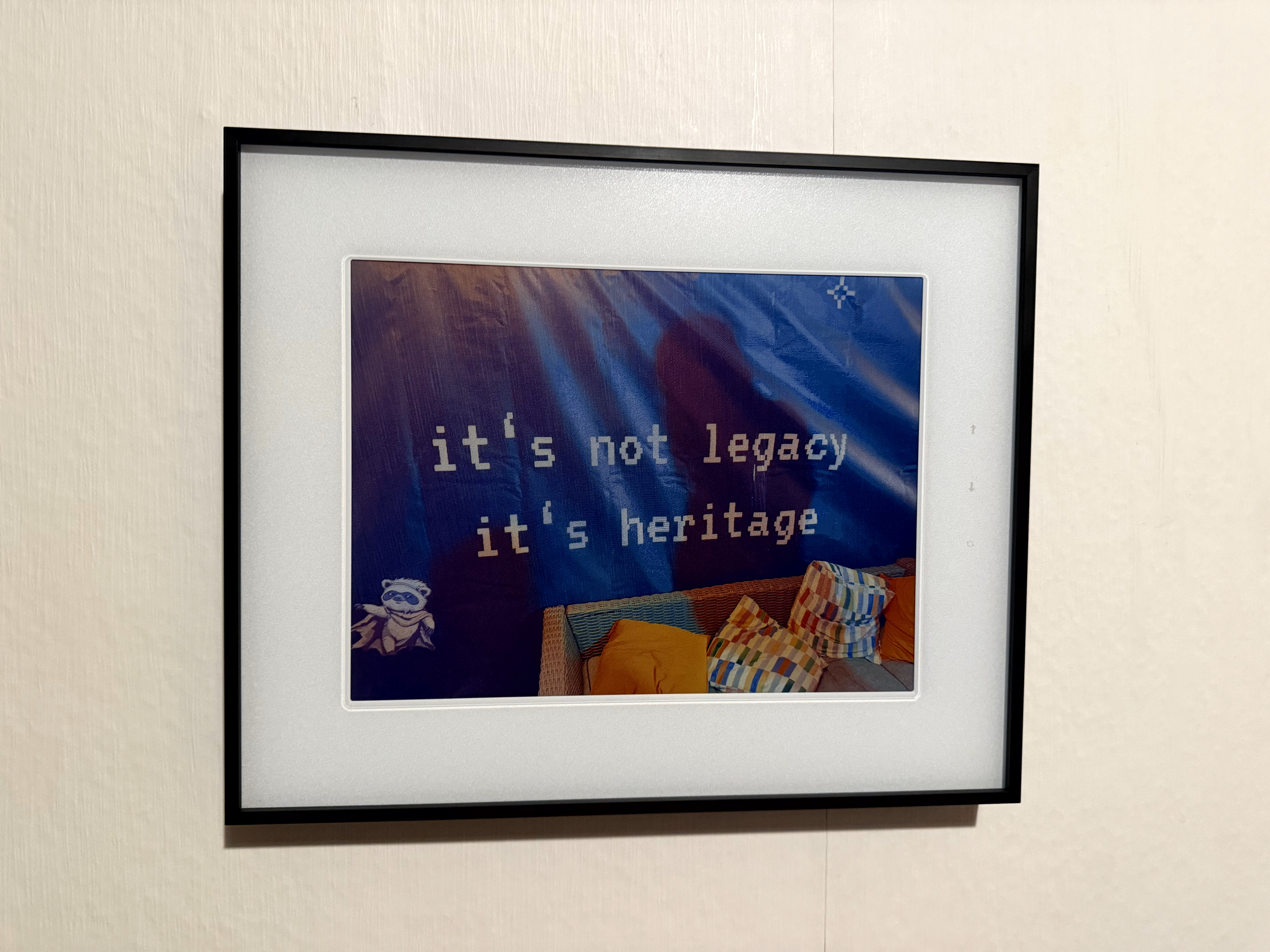
The device itself runs esp32-photoframe, an open source firmware by aitjcize. And going through my obstacle list from last time, it already solves all of them on the device side:
- It fetches images over HTTPS and validates the server certificate
- It has an access token setting, which is sent as a regular
Authorization: Bearerheader - It accepts plain JPEGs, but it also has a native format (EPDGZ), which is already dithered for the panel, packed into 4 bits per pixel and gzipped
On top of that, the frame tells the server about itself with every request: panel size, orientation, its measured color palette, its image processing settings and its firmware version. So the server knows exactly what to render for it.
That only leaves the question where the pictures come from.
Not another server
Last time the answer was an S3 bucket plus a dedicated server. This time I did not want to run yet another service, because my photos already live in Everlock, the self-hosted box that runs my git repos, mail, websites and photo library. My phone already uploads every picture into it.
So instead of a second server, the frame support went straight into Everlock. Every album now has a photoframe URL, and the setup on the frame is two fields. In the frame’s web UI, on the “Auto Rotate” tab, I set the Rotation Mode to “URL - Fetch image from URL” and fill in:
image url:    https://photos.example.org/album/<album-id>/photoframe
access token: evapi_…
The access token comes from sharing the album in Everlock. It is a regular Everlock API key, but scoped to exactly that one album. It expires together with the share, shows up in the key list and can be revoked at any time. If somebody takes the frame off my wall, the credential is worth one album and nothing more.
Each time the frame wakes up, this happens on the Everlock side:
- it picks a random photo from the album, but never the one currently on display (the frame sends the last
ETagback asIf-None-Match, so the server needs no per-device state) - an album with only one photo answers
304 Not Modified, so the frame skips the panel refresh entirely and saves battery - the photo is rendered into EPDGZ, using the frame’s own palette and settings, so the device just unzips and draws
- HEIC photos from the iPhone are converted on the server, the frame never sees them
- the rendered result is cached in the store next to the previews, so each photo is dithered once per configuration and not on every fetch
And when I open the same URL in a browser, I get a JPEG of exactly what the frame would show. That turned out to be the most useful debugging tool of the whole project.
The renderer itself is a Rust port of aitjcize’s epaper-image-convert, the JavaScript library the firmware project uses for its own conversion. To make sure the port really matches, the tests compare the Rust output against the JavaScript library. For Floyd-Steinberg dithering the output is byte-identical. For one of the other dithering algorithms a handful of pixels flip, because pow rounds differently in V8 than in Rust in the very last bit. I decided I can live with that.
What went wrong on real hardware
All tests were green, so I pointed the real frame at the URL. It refreshed and showed one of its old, locally stored pictures.
The firmware has a debug log that can be switched on through its local API, and that log told the whole story:
Failed to allocate rotation buffer of 5760000 bytes
falling back to local rotation
The chain behind it was a nice example of two small bugs adding up:
- The firmware reports its version as
v2.15.0, and my version check expected2.15.0. The leadingvmade the version unreadable, so every request was treated as old firmware and got the JPEG fallback instead of EPDGZ. - The JPEG came in the orientation the frame hangs on the wall, not in the panel’s native layout, so the frame had to rotate it. A decoded 1600×1200 JPEG is 5.76 MB of RGB, and rotating it needs a second buffer of the same size. The ESP32 simply does not have that much memory free, so the frame gave up and went back to its local images.
The fix was to accept the v and to deliver the JPEG fallback in the panel’s native layout as well, so the frame never has to rotate anything. Both went out with Everlock 0.6.1, and since then the frame only gets EPDGZ.
Captions
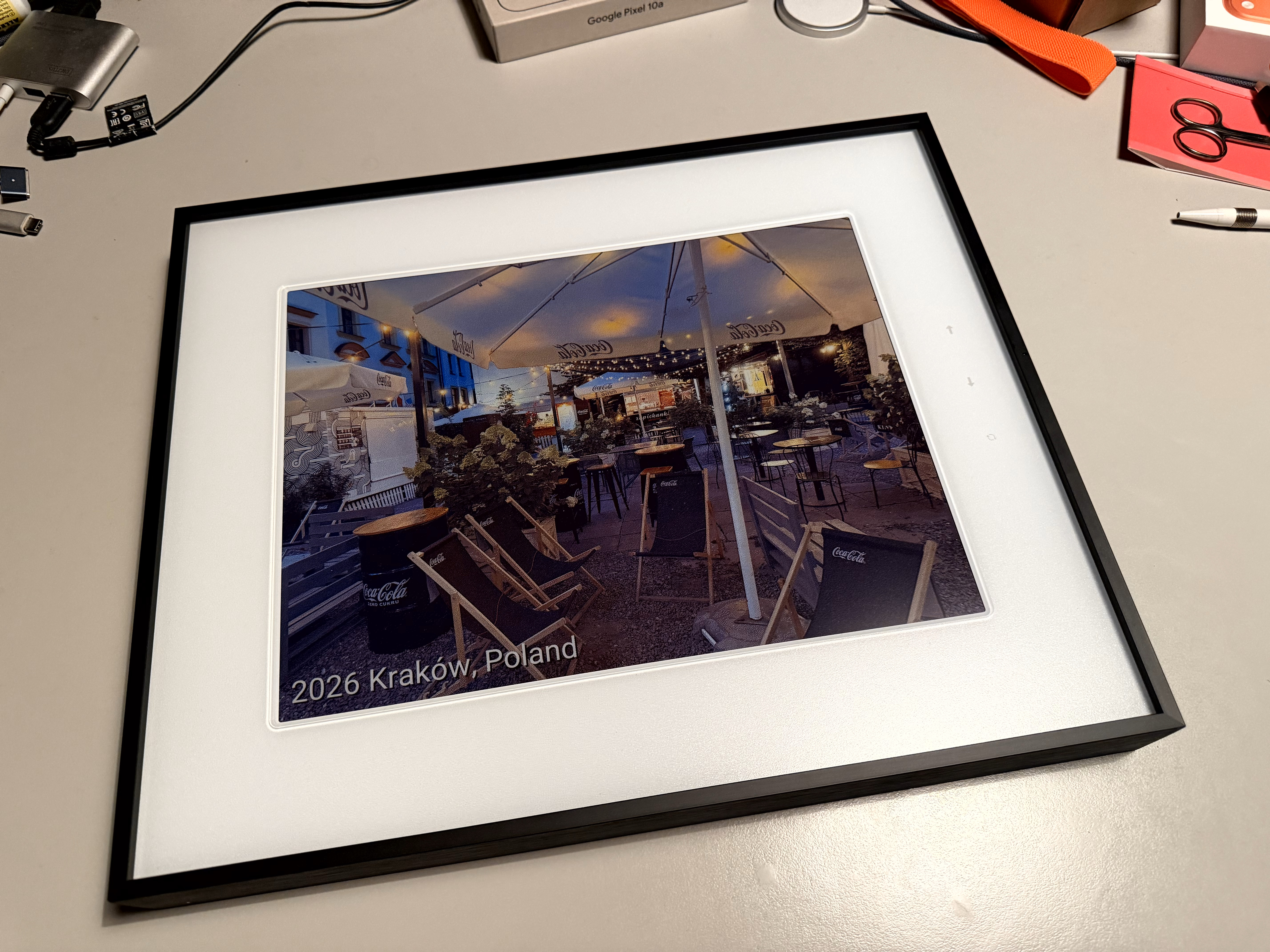
Something I liked about my old frame setup was a small line of text in the corner of the picture. The esp32-photoframe firmware has one slot for a custom HTTP header, and Everlock uses that slot for a caption template:
X-Subtitle-Template: {{year}} {{location}}
The template is rendered for every photo. The year comes from the capture date, the location from the AI enrichment that Everlock’s photo library runs on new photos (the gguf-runner post describes that part). The text gets a drop shadow and flips between dark and light based on the brightness of the area behind it, so it stays readable on a beach and on a night shot.
One small lesson: the header slot in the frame UI has separate fields for name and value. I pasted the whole line into the value field, and for a while my frame proudly showed X-Subtitle-Template: {year} {location} under every photo. Everlock now ignores that echo.
Crop or letterbox
The newest piece is coming with the next Everlock release. Firmware 2.17.0 added a scale mode setting: “cover” fills the whole panel and crops the overhang, “fit” shows the whole photo on white or black bars. Everlock picks up that setting with every request now.
The interesting part was the bars. Dithering spreads errors across the image, and with a black bar next to a colorful photo, that leaves speckles all over the bar. So after dithering, the bars are painted over in the clean palette color again, the same way the firmware’s own converter does it.
After a few months
What I like most about the setup is that there is nothing in between anymore. No bucket to sync, no extra server to keep alive. A new photo lands in the album, and a few hours later it might be on the wall.
One more small thing: the firmware announces itself via mDNS, so the frame’s web UI is always at http://photoframe.local. That might sound like a gimmick, but not having to look up its IP address every time I want to change a setting turned out to be a real time-saver.
Links: